Tag: windows

Claude Code PowerShell tool

Tools reference - PowerShell

You can now opt-in to a new built-in PowerShell tool in Claude Code as of v2.1.84 by setting the CLAUDE_CODE_USE_POWERSHELL_TOOL environment variable.

Until this release, Claude Code on Windows would use Git Bash to run commands, which has caused some weird issues for me in the past, such as running the roslyn-language-server dotnet tool, because the entrypoint is a .cmd file which can't be run in a git bash shell.

Now, Claude Code will see an additional tool called "PowerShell"

  Built-in Tools

  - Read — Read files from the filesystem
  - Write — Write/create files
  - Edit — Make exact string replacements in files
  - Bash — Execute shell commands
  - Glob — Find files by pattern
  - Grep — Search file contents with regex
  - Agent — Launch specialized subagents
  - Skill — Invoke user-defined skills
  - ToolSearch — Fetch schemas for deferred tools
  - PowerShell — Execute PowerShell commands

It doesn't replace the Bash tool, it just adds PowerShell, so you may find that the agent defaults to using Bash for most things unless you ask it to use PowerShell explicitly.

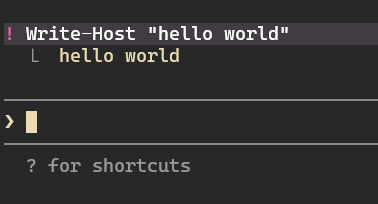
You can also add { "defaultShell": "powershell" } to your settings.json file to make !commands run in PowerShell. This means you can now run cmdlets directly. For example: ! Write-Host "Hello" now works. hello world
# / 2026 / 03 / 26

Get notifications from Claude Code on Windows with WSL

My ~/.claude/settings.json with full solution

I've been looking for a way to get notified when Claude Code needs my input or is finished. Big shout out to u/Ok-Engineering2612 on Reddit for this post:  WSL Toast Notifications with Hooks in Claude Code : r/ClaudeAI. I had been trying to do the same thing with BurntToast but I forget the way WSL interops with Windows.

The settings from the Reddit thread did need a little tweaking ($PAYLOAD is no longer supported and now Claude Code sends the JSON structure via stdin). Here's my change to the command:

 "command": "input=$(cat) && powershell.exe -NoProfile -Command \"Import-Module BurntToast; New-BurntToastNotification -Text 'Claude Code Notification', '$(echo \"$input\" | jq -r '.message')'\""

Here is the full documentation for hooks: Hooks reference

# / 2026 / 01 / 09

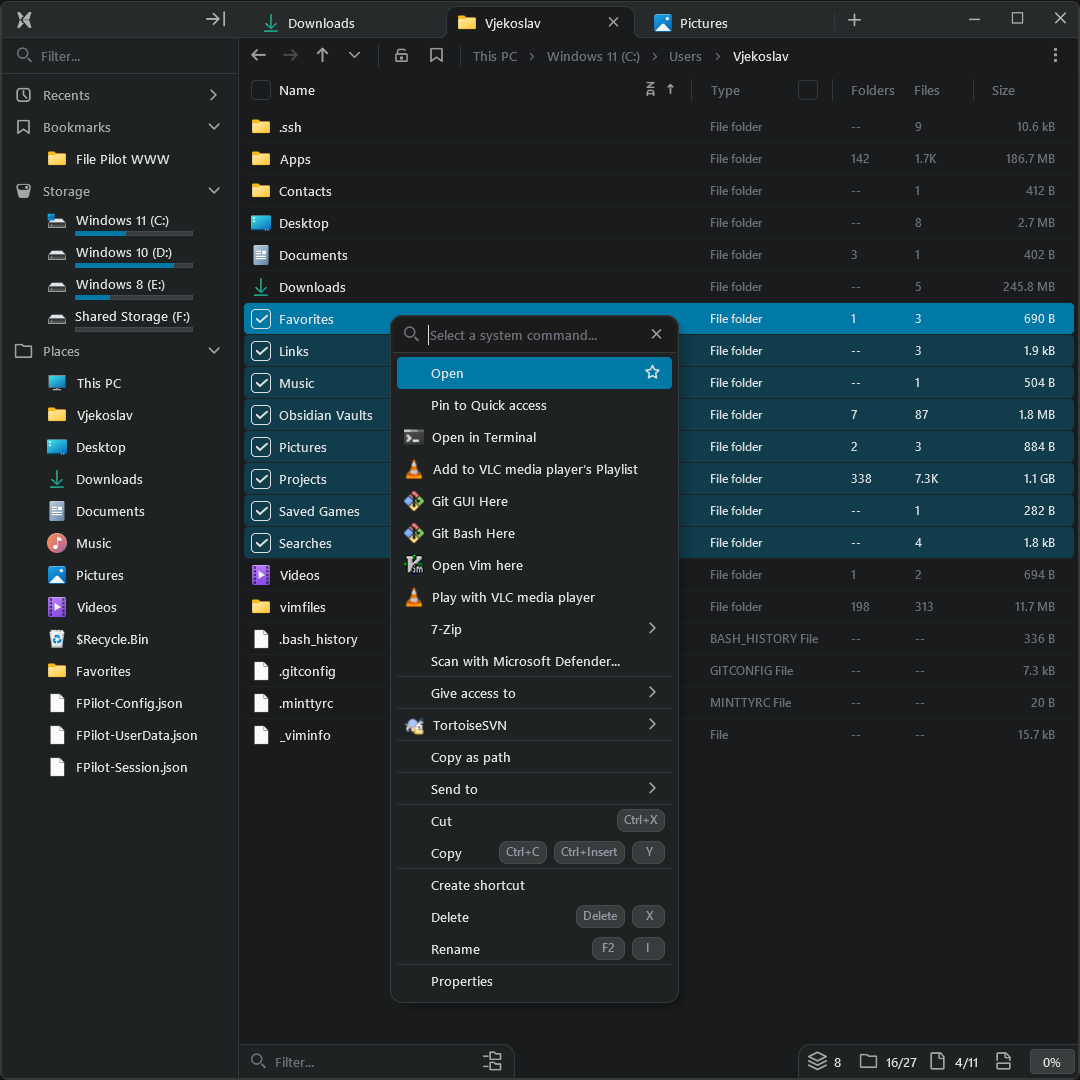
File Pilot - Fast file explorer for Windows

File Pilot

It’s 2026 and you can buy a lightweight, super fast file explorer for windows for $250. I kind of love it.

The price obviously seems really high for a file explorer, but apparently it’s taken the developer 3 years to get to this point. You can also pay $50 but that only gets you a years worth of updates.

This project has got me thinking about an alternate reality where you have to pay for basic features of the OS. What if each program like notepad, paint, or task manager were priced this way? Or worse you had to pay a subscription! I’m actually shocked we didn’t end up in this world. Thankfully nerds write software for the love of the game and give it away. This puts downward pressure on the bugs corps to not nickel and dime software. All that said, I’m happy the file pilot dev values their own work and has priced this tool accordingly. If nothing else, I think it shows the windows team how software should run (fast) with few dependencies.

Screenshot

# / 2026 / 01 / 07